Sharing wedding photos: how to collect your guests' pictures
Updated 1 October 2026 · by Ludvig Lindqvist Rovira, Lysela
The easiest way to collect guests' photos is a QR code on the tables that leads to a page where they upload straight from their phones, with no app or account. Set it up before the party starts, so the photos arrive during the evening. Here is how to do it, what to write on the sign and what to think about before the photos are shown to everyone.
Try it yourself, no account neededWhat are the ways to collect the photos?
| Way | Upside | Downside |
|---|---|---|
| QR code to an upload page | No app, guests upload in seconds during the party. | Needs setting up beforehand, with signs on the tables. |
| Shared album in Google Photos or iCloud | Costs nothing and many guests already use it. | Needs an account, and not everyone has the same kind of phone. |
| A wedding photo app | Often comes with filters and extras. | Guests have to download the app, and many never do. |
| Ask for the photos afterwards | Nothing to prepare. | Few send them, and the photos arrive by text, email and chat all mixed up. |
Setting up the QR code
One code on every table
A small standing card is enough. Guests scan during dinner, when their phones are out anyway.
A line about what the code does
Few people scan a code with no explanation. Say that it is for photos.
Remind guests during the evening
Ask the toastmaster to mention it after dinner and again before the dancing.
Test the code beforehand
Scan it with two different phones, so you know the link works at the venue.
Taken a lovely photo tonight? Scan the code and share it with us.
Share your photos from the day Scan the code with your phone camera. No app needed.
The couple would love to see your photos from tonight. Scan the code on your table and upload them, so they have them all in one place.
What to think about before the photos are shown
Decide whether guests should see each other's photos straight away, or whether you want to go through them first. A picture taken late at night is not always one the bride's grandmother should see. If you can approve photos before they appear, you have nothing to worry about.
Ask the photographer, too, whether their pictures can go in the same place, and when you will get them.
A digital guest book in the same place
A digital guest book works like the photos: guests write a message on the wedding website instead of in a book on a table. Anyone who did not get round to it at the party can write the next day. You get the messages in one place and can keep them. What else the website can hold is in the wedding website guide, and how the evening can run is in the timeline.
Guests' photos with Lysela
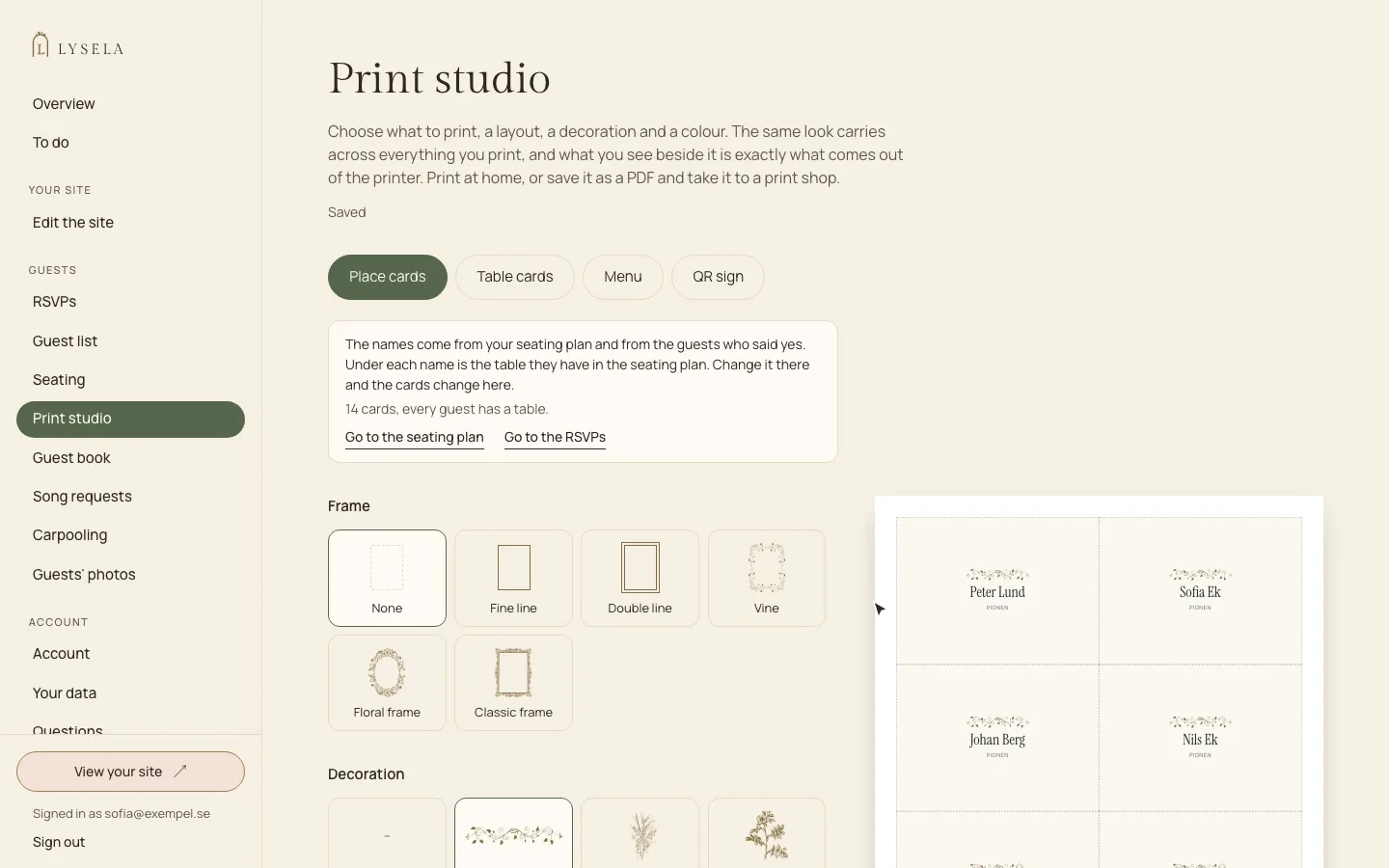
With Lysela, from Plus, guests upload their photos straight to your wedding website through the QR code on the tables, with no app or account. New photos wait for your approval before they appear. You see them all in one place, hide what you want and download them all at once. The guest book is already in Bas, and you print the QR code from the print studio.
Common questions
How do you collect photos from wedding guests?
Most easily with a QR code on the tables that leads to a page where guests upload straight from their phones. Set it up before the party, so the photos arrive during the evening.
Do guests need an app?
No, not if the upload happens on an ordinary web page. Guests scan the code and pick photos on their phones.
Can we choose which photos are shown?
That depends on the service. Pick one where you can approve or hide photos before everyone sees them.
How long can guests upload?
For as long as the site is up. Most upload during the party and the days after.